When ChatGPT Wiped My Coolify Dashboard: A $0 Lesson Worth Thousands
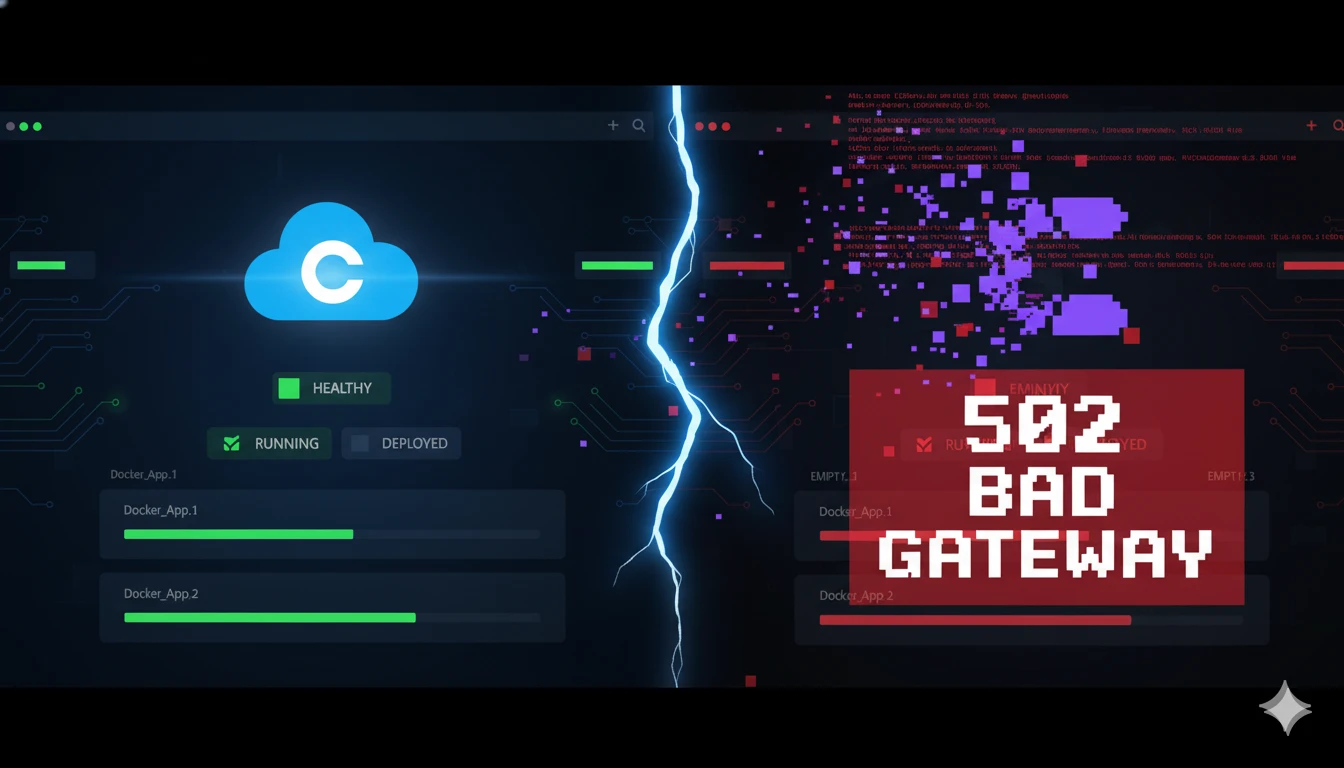
How blindly trusting AI cost me hours of work and taught me when NOT to rely on GPT for production troubleshooting
I haven't logged into my Coolify dashboard in three months. My previous SaaS project didn't work out—financial and ethical flaws killed it before it could take off. But I had two VPS servers sitting idle, and a new idea brewing. Time to put them to use.
I opened Coolify, ready to deploy.
502 Bad Gateway.
The Panic Sets In
Now, I've read about gateway errors. I've fixed them for clients. But experiencing one on my own infrastructure? Different beast entirely.
First instinct: Google it.
I found solutions—but they were all about fixing 502 errors within deployed instances, not the Coolify dashboard itself. Without dashboard access, I couldn't manage anything. Dead end.
Second instinct: Ask ChatGPT.
Big mistake.
The Spiral Begins
I explained the situation. ChatGPT was confident, systematic, helpful. We started with diagnostics:
docker psGood news: All containers were healthy. My actual projects were still running fine—I just couldn't manage them through Coolify.
ChatGPT tried to identify which container was Coolify itself, but couldn't pinpoint it from container IDs alone. We tried accessing the dashboard via IP and different ports:
http://xx.xx.xx.xxx:8000Nothing. Connection timeout.
curl http://localhost:8000Bingo! Coolify was responding on localhost, just not externally.
"Ah," ChatGPT said. "Coolify is running on localhost instead of your server IP. We need to fix the environment variable."
The Fatal Command
Then ChatGPT suggested this:
curl -fsSL https://cdn.coollabs.io/coolify/install.sh | bash"What this does:
Recreates Coolify service
Reconnects to existing Docker setup
Leaves app containers untouched"*
That last line should have been a red flag. But I was desperate to get back in. I needed that dashboard access. So I ran it.
Nothing changed. Still couldn't access the dashboard.
Down the Rabbit Hole
Now ChatGPT pivoted to fixing the localhost → IP issue. We tried updating the APP_URL inside the Coolify container:
docker exec -it coolify bash
cd /var/www/html
php artisan env:set APP_URL=http://xx.xx.xx.xxx:8000
php artisan optimize:clear
exit
docker restart coolify
Still nothing.
"The .env file is read-only inside the container," ChatGPT explained. "You need to edit it on the host."
We found it at /data/coolify/source/.env, changed APP_URL from localhost to my server IP, restarted Coolify.
Progress! Now Coolify was responding on the server IP... but I still couldn't access the dashboard properly.
The Lifeline I Should Have Grabbed First
After an hour and a half of this, I did what I should have done from the start: I searched for official Coolify documentation.
Found it: https://coolify.io/docs/troubleshoot/dashboard/dashboard-inaccessible
Followed the steps. Got in.
But something was wrong.
The Moment of Truth
The dashboard loaded—but asked me to sign up. My admin credentials were gone.
"No worries," ChatGPT assured me. "Just admin credentials were wiped. Your instances are still there."
I created new credentials. Logged in.
Empty. Completely empty.
Every project I had deployed through Coolify—gone from the dashboard. The Docker containers were still running (I could verify with docker ps), but Coolify had zero knowledge of them. No way to manage, update, or redeploy through the interface.
I told ChatGPT what happened.
Its response?
"Yes, this was going to happen if you did this. Next time make sure to take backups."
The Aftermath
My projects were orphaned—running but unmanaged. I could access them directly via Docker commands, but that defeated the entire purpose of using Coolify.
I accepted my fate, wiped the VPS clean, and started fresh.
Total time wasted: 2 hours.
Total backups I had: 0.
Total lessons learned: Priceless.
What Actually Went Wrong
Looking back with a clearer head:
1. The reinstall command was the kill shot. That install.sh script didn't "reconnect to existing Docker setup"—it created a fresh Coolify instance, wiping all metadata about my existing deployments.
2. ChatGPT doesn't know your infrastructure. It gave generic advice that would work in some scenarios, not my specific scenario.
3. I didn't have backups. For production-level deployments. Inexcusable.
4. I skipped the official docs. The solution was literally one Google search away: "Coolify dashboard inaccessible." But I trusted AI over documentation.
The Real Lesson (For Developers)
I'm now a Senior Shopify Developer at Wings. If this had happened to a client's production server? Career-ending.
Here's what I learned:
✅ When to use AI:
Learning new concepts
Code generation for non-critical features
Brainstorming solutions
Syntax help
Understanding error messages
❌ When NOT to use AI:
Production infrastructure troubleshooting
Database migrations
Server configurations you don't fully understand
Anything where "oops" costs money
Critical deployments
🎯 The New Protocol:
1. Check official docs first. Every mature tool has troubleshooting guides written by people who actually know the system.
2. Use AI as a research assistant, not a decision-maker. Ask it to explain concepts, not execute critical commands.
3. Backups are non-negotiable. Even for "personal projects on production level."
4. Understand every command before running it. If ChatGPT says "this won't affect X," verify that claim before proceeding.
5. Community > AI for critical issues. Discord servers, GitHub issues, Stack Overflow—real humans who've faced your exact problem.
The Silver Lining
This happened on my personal projects, not at work. I learned this lesson in a safe environment. And now, when I face DevOps issues at Wings, I know exactly where to start—and it's not with ChatGPT.
AI is an incredible tool. ChatGPT helps me write code, debug issues, and learn faster than ever before. But it's a tool, not a replacement for understanding your infrastructure.
The moral of the story?
Don't let AI do your thinking—especially when the stakes are real.
Have you had a similar experience with AI giving you catastrophically bad advice? I'd love to hear your story. Connect with me on LinkedIn or check out more posts on mrvedmutha.com.
About the Author
Shreyans Vedmutha is a Senior Shopify Developer at Wings, specializing in custom theme development and Liquid templating. When he's not building eCommerce solutions, he's writing about his adventures (and misadventures) in web development on his blog at mrvedmutha.com.
Join the conversation
Sign in with Google or GitHub to share your thoughts
Loading comments...